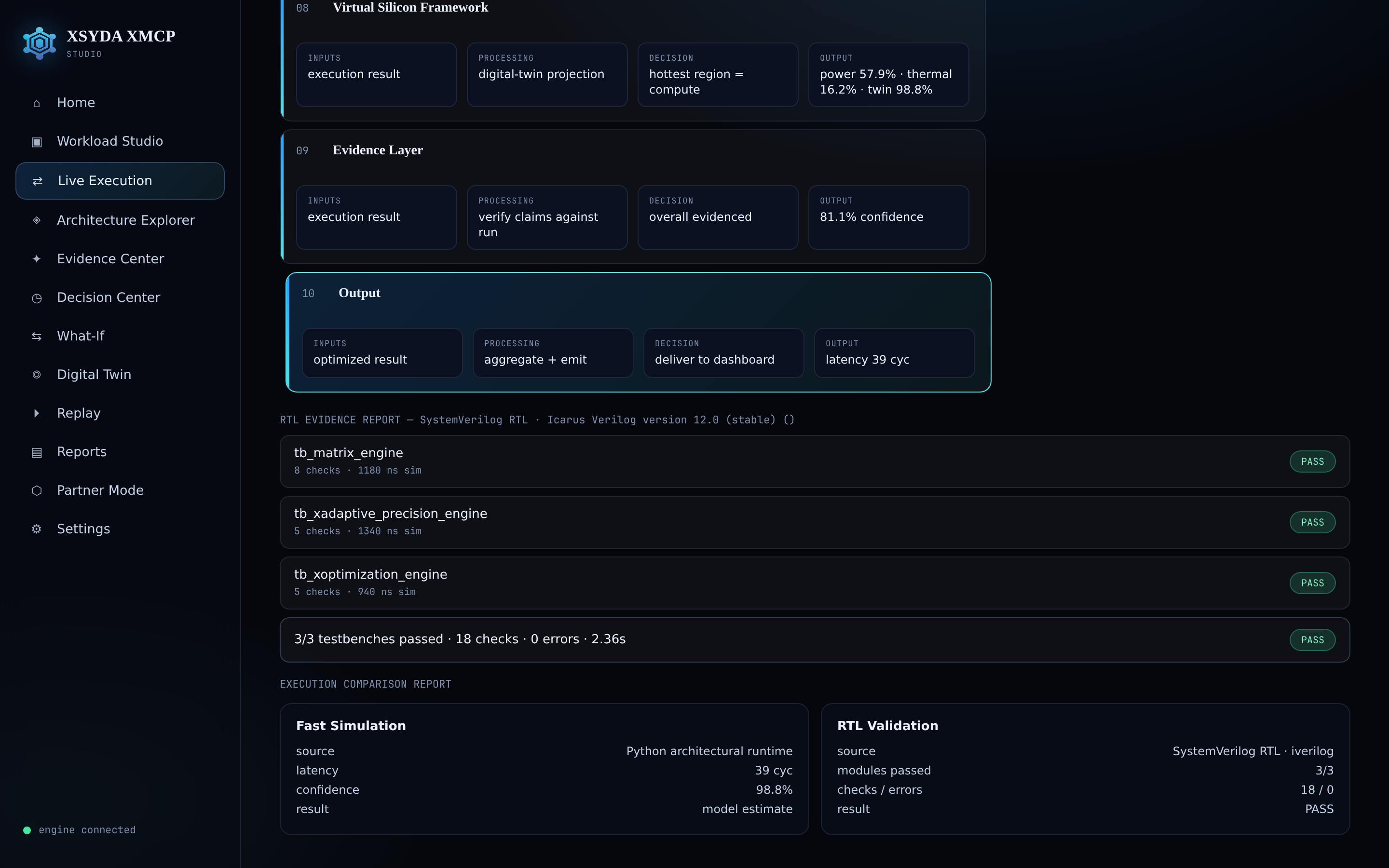
Shape or upload the workload
Pick a representative platform or define a custom profile, or drop in a JSON/CSV/YAML trace. Choose Fast Simulation or RTL Validation, then run it on the real engine.
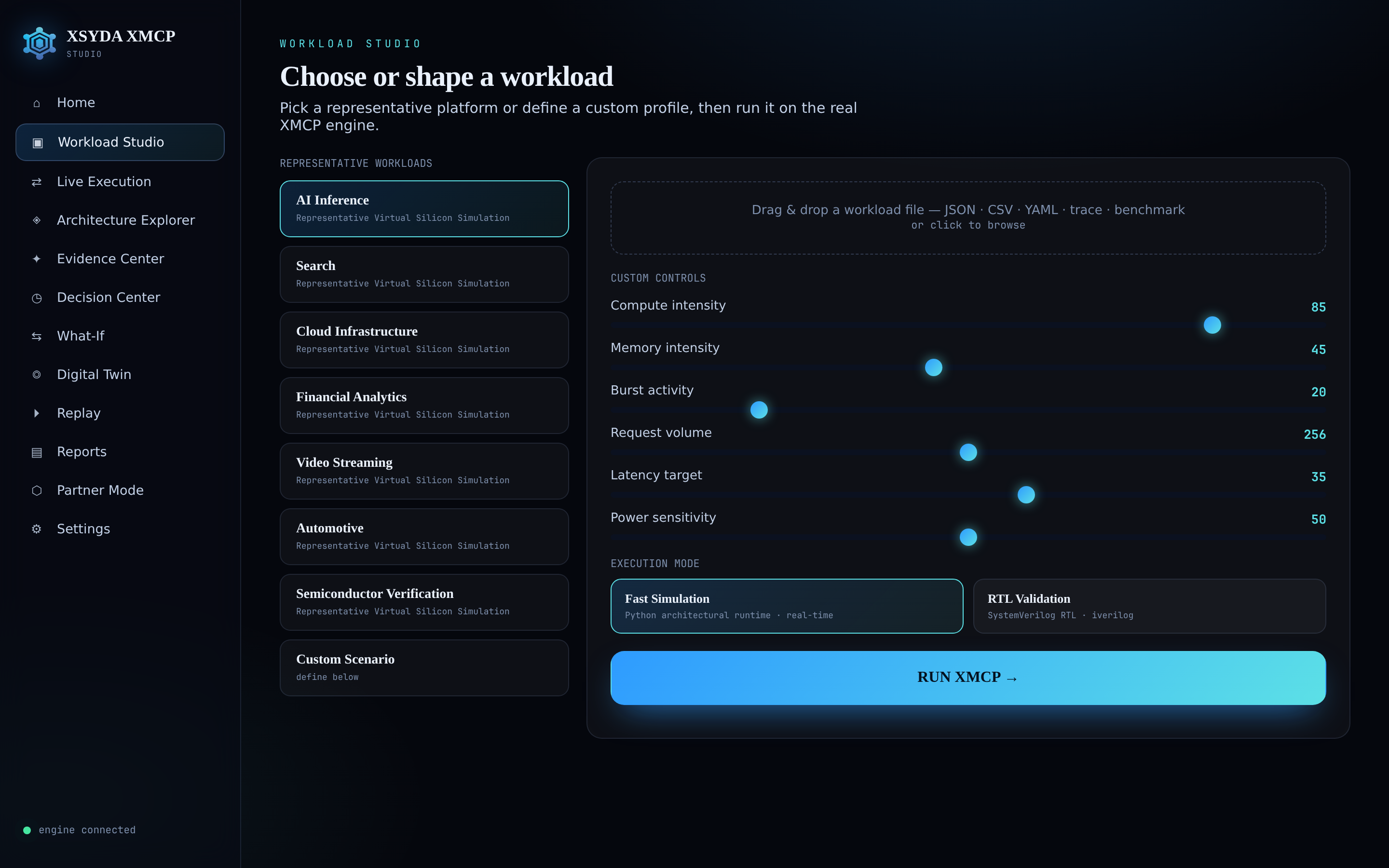
What entered · what happened · why
Every layer shows its real input, processing, decision and output as the workload flows through the adaptive pipeline, with live telemetry alongside.

What XMCP decided — and why
A decision timeline with the input, decision, reason and confidence for every stage, plus a confidence heatmap and root-cause explainer.

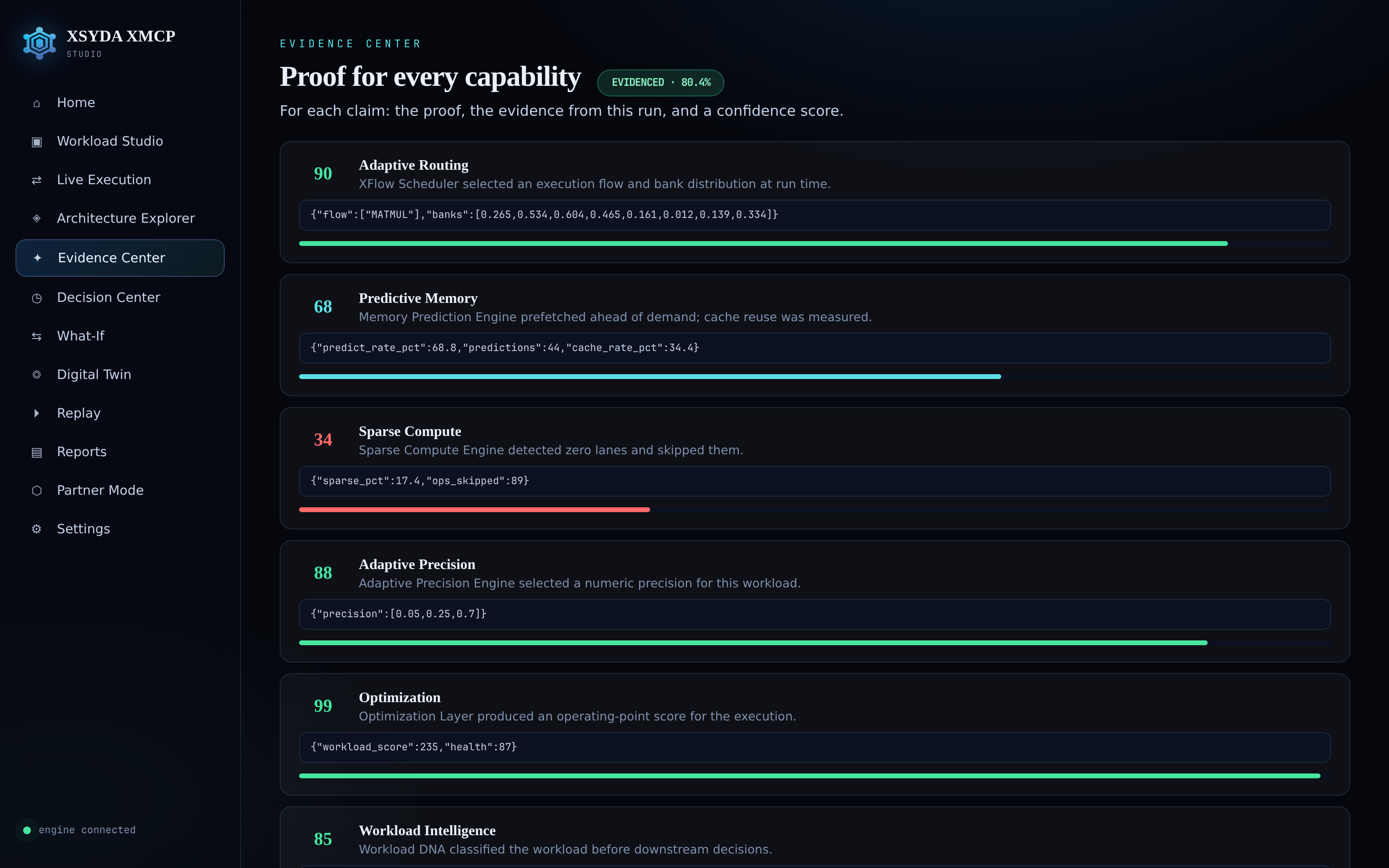
Proof for every capability
Each claim carries its proof, the runtime output behind it, and a confidence score — so behavior is evidenced, not asserted.
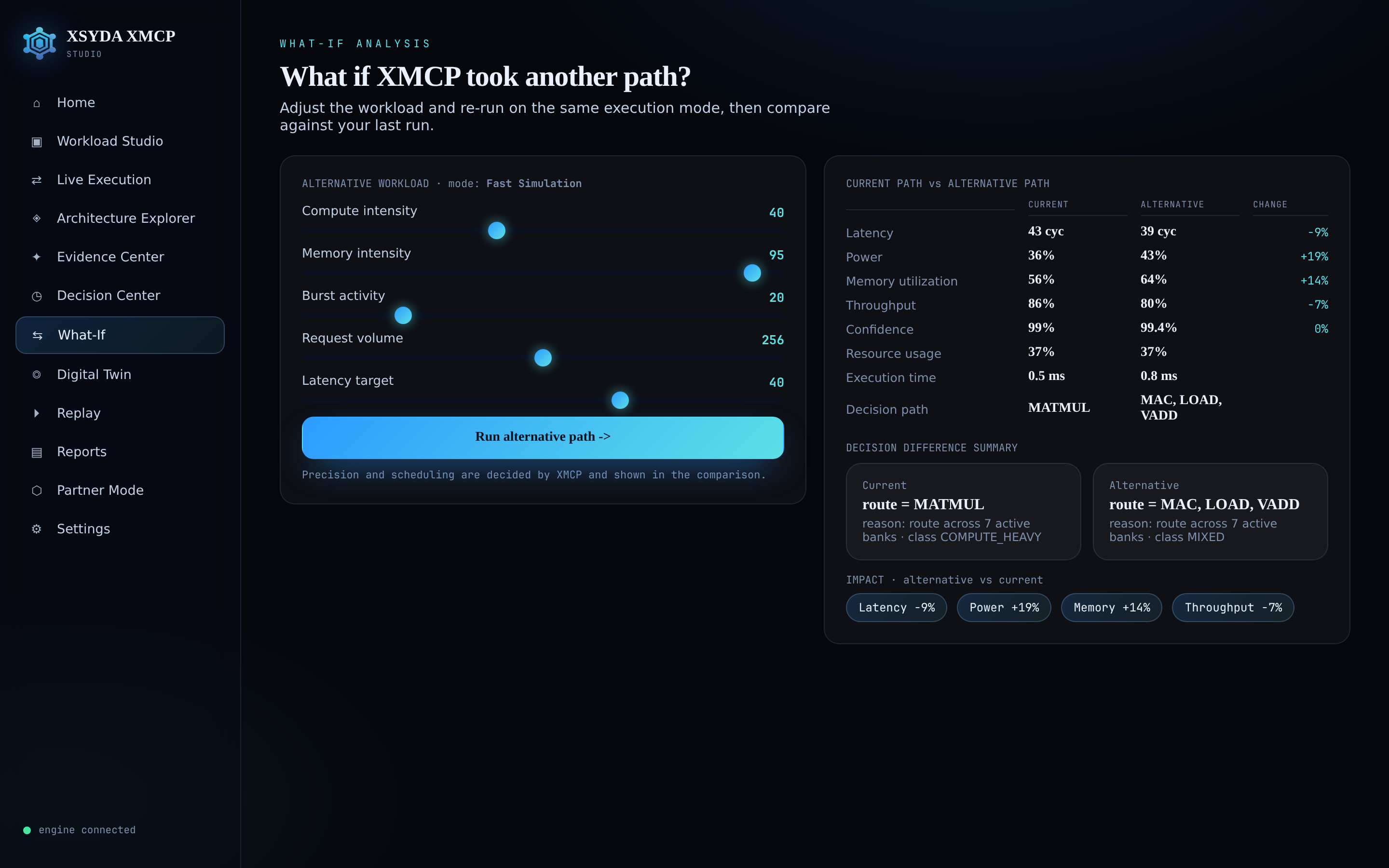
Compare an alternative path
Change the workload and re-run on the same mode. See current vs alternative across latency, power, memory, throughput and confidence — with a decision-difference summary.
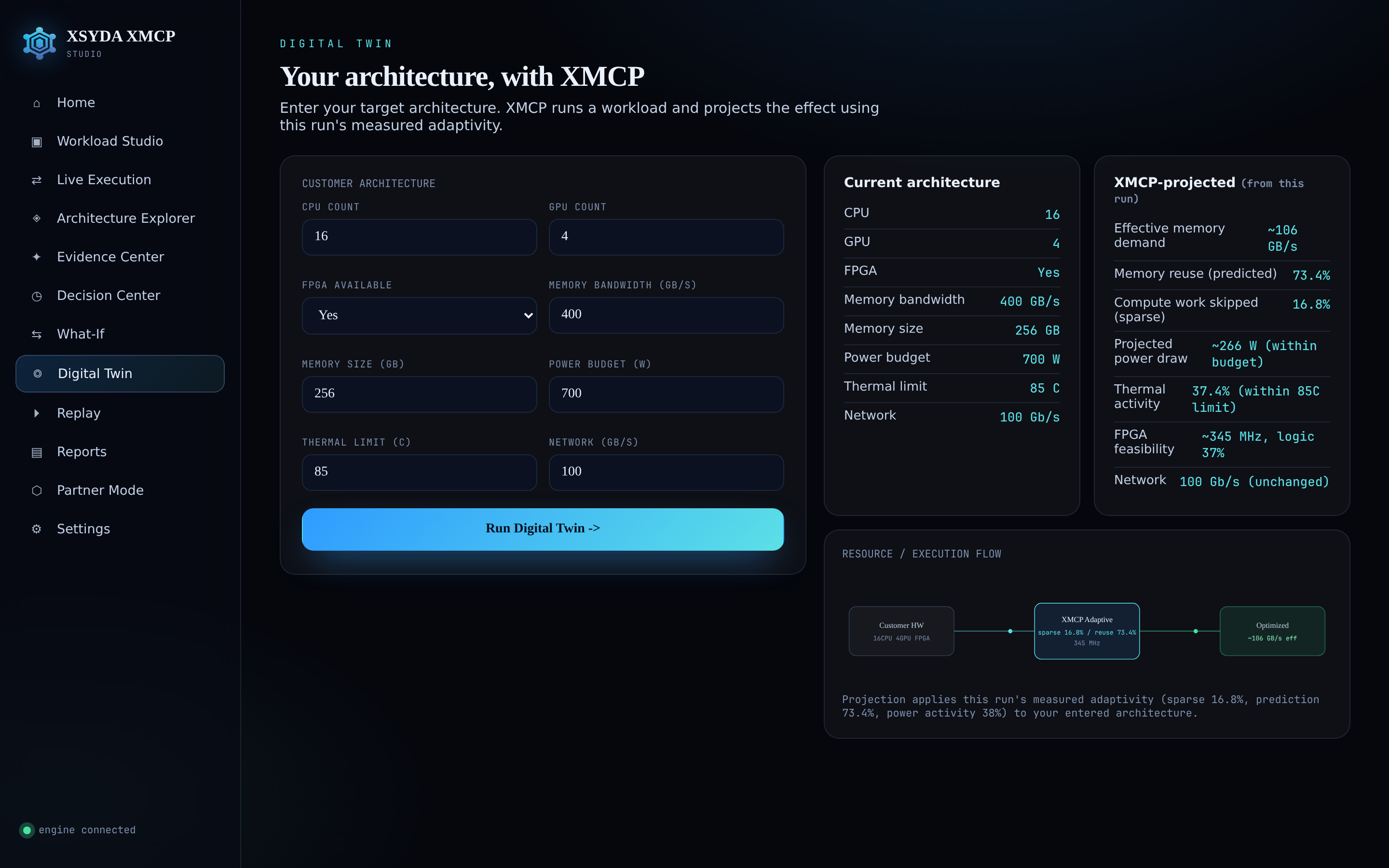
Your architecture, with XMCP
Enter your CPU/GPU/FPGA, memory and power envelope. XMCP runs a workload and projects the effect using the run's measured adaptivity — clearly labeled as a projection.
Inspect the engine — and validate it
Explore every component's purpose and live activity, then switch to RTL Validation to compile and run the real SystemVerilog through iverilog, producing an evidence report.